Click to download now, finish the installation quickly, and directly unlock the all-round experience
Screenshots
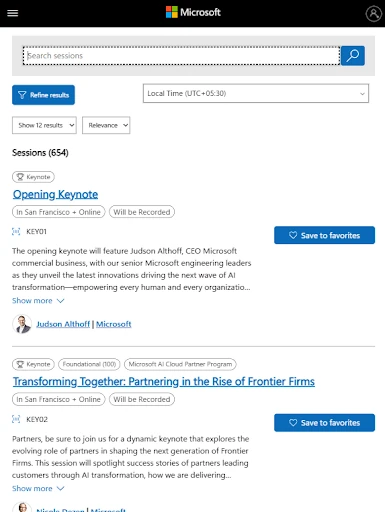
Click to download now, finish the installation quickly, and directly unlock the all-round experience
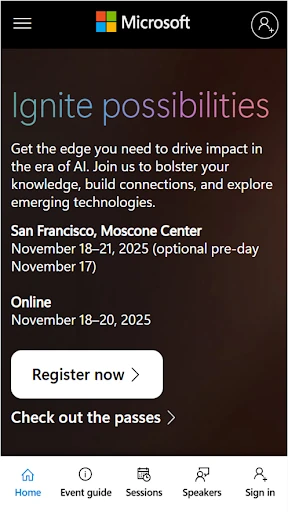
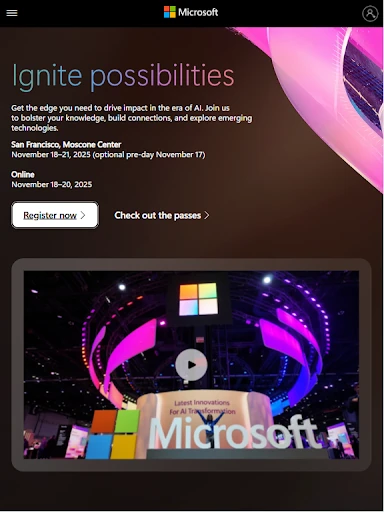
Microsoft Ignite is the official event companion for Microsoft’s technology conference. It suits developers, IT professionals, business decision-makers, and anyone following Microsoft’s work in cloud computing, artificial intelligence, software, and enterprise technology. The app brings event information together in one place for both in-person and online participants.
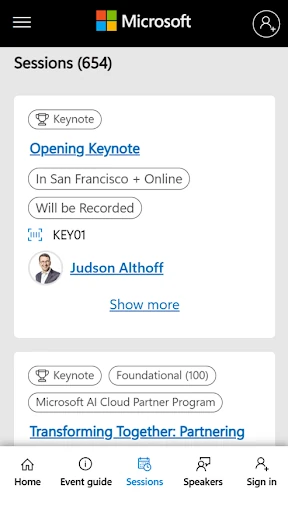
Use Microsoft Ignite to browse the conference schedule, find relevant sessions, and organise a personal agenda. Search and filtering tools help narrow a large programme by topic or interest, which is useful when several talks are running at the same time. The app also provides access to keynote information, product announcements, and other major event updates.
Microsoft Ignite supports attendees who cannot follow every session as it happens by combining live event content with recordings and other on-demand material. That makes it easier to catch up across different time zones or revisit a presentation later. Its professional layout is designed to keep a large amount of conference information organised, although first-time users may need a little time to become familiar with the available sections.
Microsoft Ignite is listed in the Events category and is developed by Microsoft Corporation. It has a rating of 3.96 out of 5 from 1,107 ratings, with 500,000+ installs. It is a focused choice for people attending Microsoft Ignite or keeping up with the sessions, announcements, and wider discussions connected to the event.